
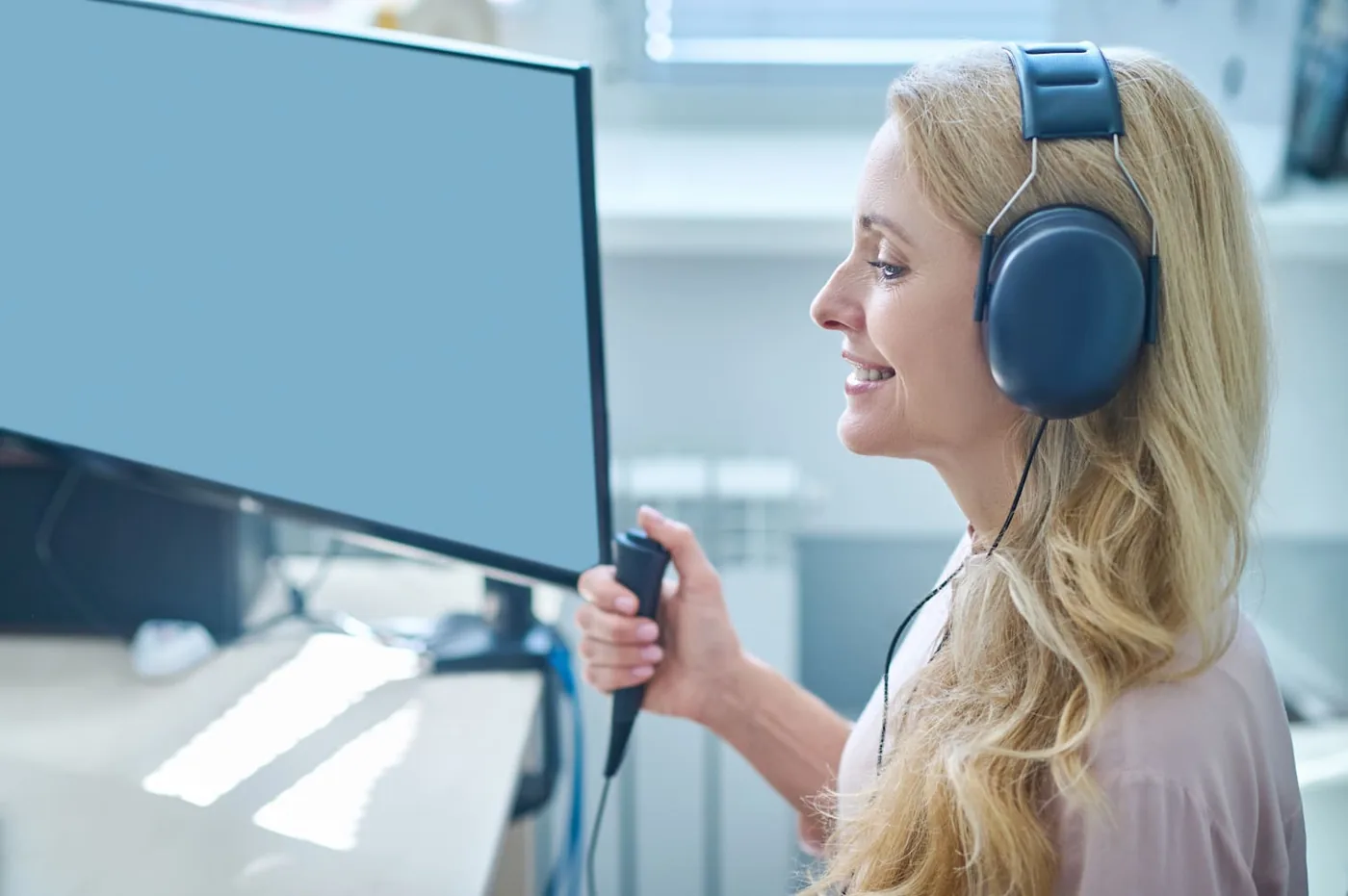
Online orientation hearing test

Listen to real tones at different frequencies, one ear at a time.

This screening uses pure tones from 250 to 8000 Hz to compare left- and right-ear responses. It is not a clinical audiogram and does not produce calibrated dB HL thresholds.

250–8000 Hz2 ears12 measurements
Hearing test
Quiet roomReduce TV, conversations and background noise as much as possible.
Stereo headphonesUse headphones correctly positioned over the left and right ears.
Moderate volumeSet a comfortable volume before starting and do not change it during the test.
Before you start

Set up your headphones and environment correctly.

If the trial tone feels too loud or uncomfortable, lower the volume before beginning.

1. Use stereo headphones

Check that the left and right sides are positioned correctly.

2. Moderate volume

Keep the level comfortable and unchanged throughout the test.

3. Quiet environment

Background noise can significantly affect an orientation result.

Trial tone

Check your volume at 1000 Hz

The tone should sound clear and comfortable, not loud.

This is not a calibrated audiometer. Phones, computers and consumer headphones do not produce standardized dB HL output. The result is for orientation only and must not be used for diagnosis or hearing-aid programming.

What do we test?

Low, mid and high frequencies.

Different frequencies carry different parts of sound information. This screening can help reveal whether some tones feel noticeably harder to hear in one ear or frequency region.

250 HzLow500 HzLow–mid1000 HzMid2000 HzMid–high4000 HzHigh8000 HzVery high
FAQ

Frequently asked questions

Clear answers to the questions we receive most often.

Have another question?Speak directly with our team 068 905 3168 WhatsApp
Is this online test a clinical hearing test?

No. It is an orientation screening and does not produce calibrated dB HL thresholds.

Do I need headphones?

Yes. Stereo headphones are needed to test the left and right ears separately.

Which frequencies are tested?

250, 500, 1000, 2000, 4000 and 8000 Hz.

What happens if I cannot hear a tone?

The test gradually increases the relative signal level. Persistent difficulty should be checked with professional audiometry.

Can I use the result to program a hearing aid?

No. Hearing-aid programming requires a clinical audiogram measured with calibrated equipment.

How long does the test take?

Usually only a few minutes, depending on how often tones need to be repeated.

Book a consultation or an orientation hearing check

Your first step toward better hearing can start today.

Contact us